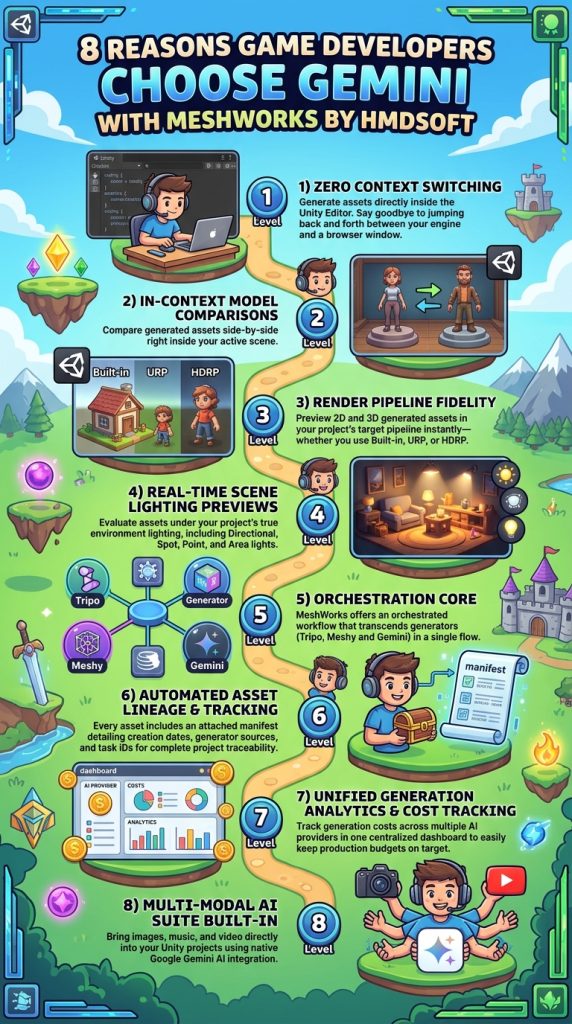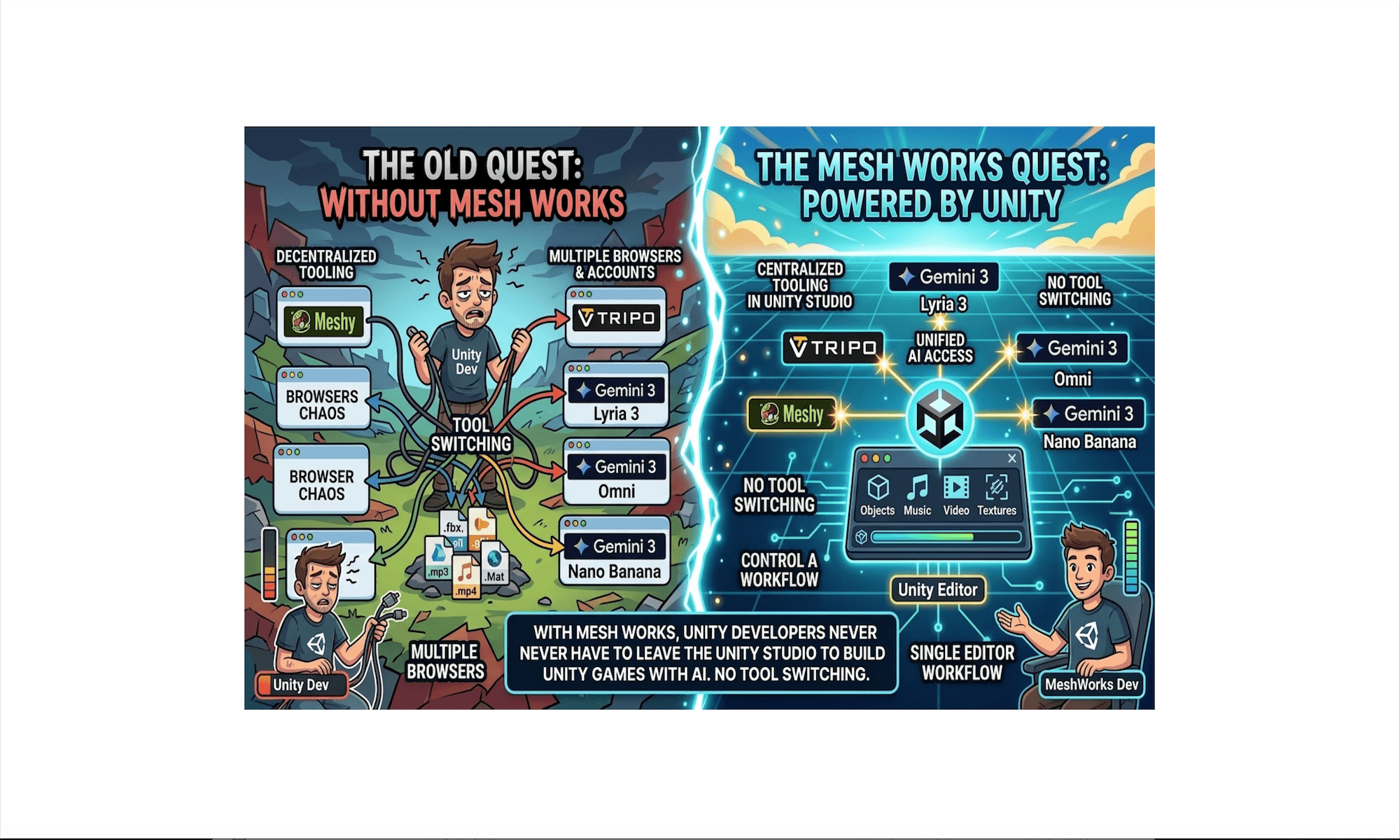
Using Meshy AI and Tripo AI is a natural choice; Unity operates in 3D, so generated 3D assets are essential. But this raises a common question: ‘Why Gemini?’ Here is how and why we use Gemini in Unity.
Gemini Game Asset Generation Checklist
Audio & Narrative
- Music: Compose original music tracks for the game.
- Dialogue/Chat: Develop dialogue systems and narrative chat experiences.
3D Environment & Models
- 3D Assets via AI: Generate source images to use as inputs for Meshy AI and Tripo AI to produce 3D models.
- 3D Materials: Create textures and images to build custom materials for 3D objects.
- Skyboxes: Design panoramic images for game skyboxes.
- Distant Landscapes: Create background images and assets for distant terrain and horizon views.
Terrain & World Building
- Terrain Heightmaps: Create images to construct base terrain geometry.
- Terrain Textures: Generate images to paint and texture terrain layers.
2D Art & UI
- UI Sprites: Design 2D images and sprites for user interface elements.
VFX & Animation
- Particle Textures: Create source images and textures to build particle systems.
- Cutscenes & Video: Produce video files to be played inside the game via Render Textures.
While the methods above demonstrate how Gemini can generate game assets, implementing this workflow directly within Unity offers distinct advantages.